Search WordPress website maintenance packages in Google, and you’ll find plenty. You can select one random package from the list, but here’s what you should remember: a wrong WordPress maintenance package can cost you downtime, security issues, and wasted money.
Whether you are a busy entrepreneur juggling multiple responsibilities, an agency managing various client sites, or a small business owner wanting to focus on growth, finding the right maintenance plan is essential.
Managing your WordPress site can be overwhelming—ensuring security, updates, and performance is just the beginning. This article will guide you through the best maintenance packages available, helping you choose the one that meets your specific needs and enhances your online presence.
WordPress Website Maintenance Packages: Why Do They Matter?
In today’s digital landscape, maintaining a WordPress website can be a complex and time-consuming task. WordPress website maintenance packages are designed to simplify this process, offering essential services to ensure that your website remains secure, up-to-date, and performing at its best.
With the rapid pace of technological advancements and increasing cyber threats, regular maintenance is crucial. These packages typically include core updates, plugin management, security monitoring, backups, and performance optimization.
The benefits of opting for a WordPress maintenance package are manifold. Not only do they save you time, allowing you to focus on your core business activities, but they also enhance the overall user experience of your site, improve its security, and help maintain its visibility in search engine results.
Furthermore, with 24/7 WordPress maintenance services, you can rest assured that your site is in capable hands, ready to tackle any issues that may arise.
Quick Answer: Best WordPress Website Maintenance Packages
Over the years, WordPress has come a long way, and according to Research Gate, now millions of businesses around the world use it to build websites rather than blogs.
Whether you are a small business owner, a freelancer, or an enterprise, these monthly WordPress website maintenance packages are designed to enhance your website’s performance and protect your valuable assets.
Explore our exceptional packages and find the perfect fit for your needs today!
1. WP Enchant
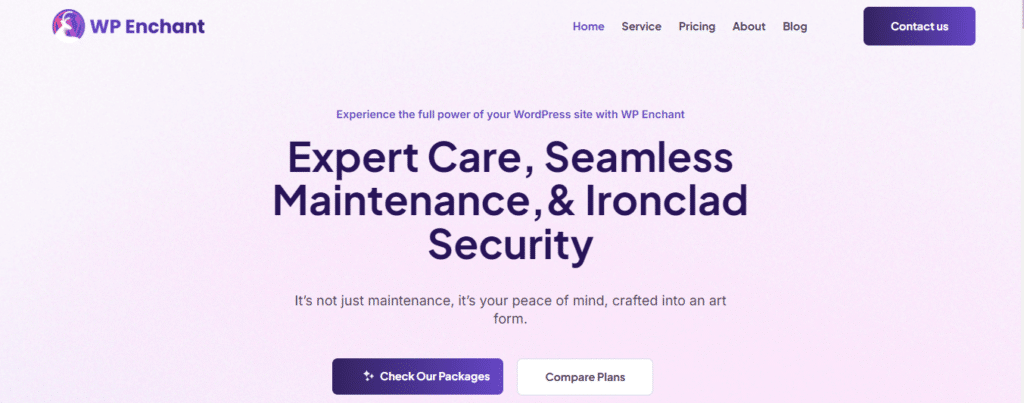
WP Enchant is a dedicated service provider specializing in comprehensive management, maintenance, and optimization for WordPress websites. With a fully remote, diverse, and specialized team, we efficiently tackle a wide range of WordPress challenges you may encounter. Whether you are a small business owner, an agency managing multiple client sites, or an e-commerce entrepreneur, WP Enchant caters to your unique needs with tailored solutions.
Interface of WP Enchant WordPress Website Maintenance Packages website
The best services we provide:
Advanced Malware Security: Protect your website from threats with our advanced malware security services. Whether you are a blogger, an e-commerce site owner, or managing a portfolio, our security solutions keep your site safe from malicious attacks, ensuring peace of mind for you and your users.
Site Health Monitoring: Stay ahead of potential issues with our site health monitoring. Be it a corporate website, a personal blog, or an online store, our continuous monitoring alerts you to any performance hiccups or downtime, allowing you to maintain a seamless user experience.
Unlimited Website Edits: Enjoy the flexibility of unlimited website edits. Whether you are a startup needing constant updates, a digital marketing agency managing multiple clients, or a non-profit wanting to keep your audience engaged, our editing services ensure your site remains fresh and relevant.
Monthly Reports: Gain insights into your website’s performance with our monthly reports. Be it an educational site, a local service provider, or a creative portfolio, our detailed reports help you understand visitor behavior, SEO performance, and potential areas for improvement.
Get started with WP Enchant and transform your WordPress experience! Our team is ready to help you succeed.
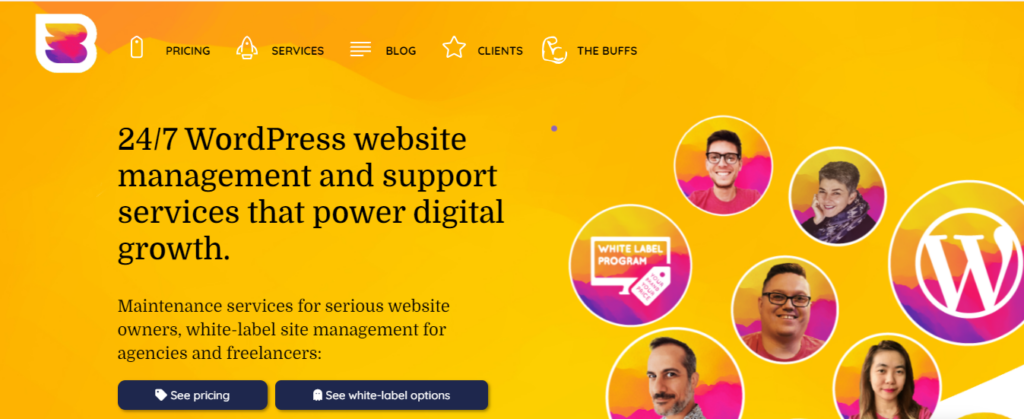
WP Buffs is a solid option for anyone with a WordPress site, offering comprehensive management and maintenance services tailored to various needs. Their 24/7 support ensures you get help whenever you need it.
Interface of WP Buffs WordPress Website Maintenance Packages website
The best services we provide:
24/7 Uptime Monitoring: Continuous monitoring to keep your site up and running.
Cloud Backups: Secure your data with reliable cloud storage.
Malware Cleanups: Efficient removal of malware to protect your site.
Speed Optimization: Improve your site’s loading time for a better user experience.
Support for Membership & eCommerce Sites: Tailored solutions for complex site structures.
3. Codeable
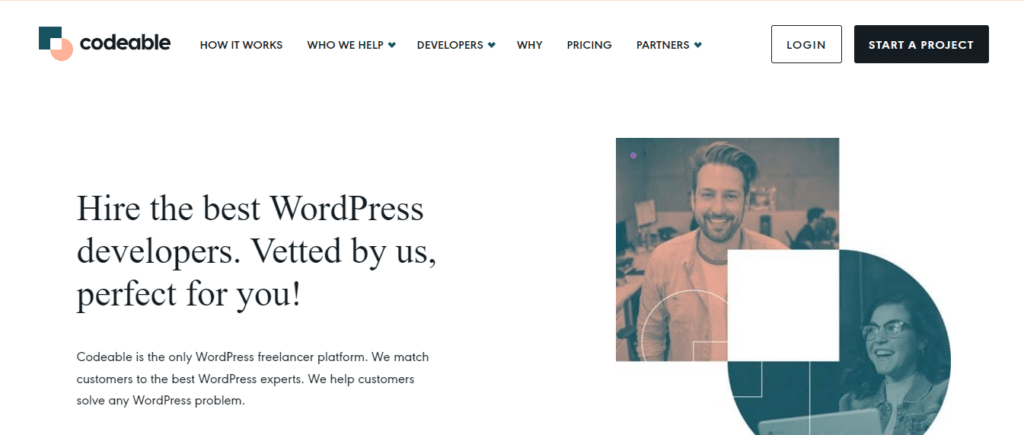
Codeable is an excellent platform for hiring expert WordPress developers for bespoke maintenance packages. They focus on high-quality services with a robust vetting process.
Expert Developers: Access top-tier developers for tailored support.
One-off Support Options: Get help for specific projects without ongoing commitments.
Security Vulnerability Fixes: Address security issues promptly and effectively.
Core, Plugin, and Theme Updates: Keep your site up-to-date with the latest features and security patches.
Site Speed Optimization: Enhance your site’s performance for a better user experience.
4. GoWP
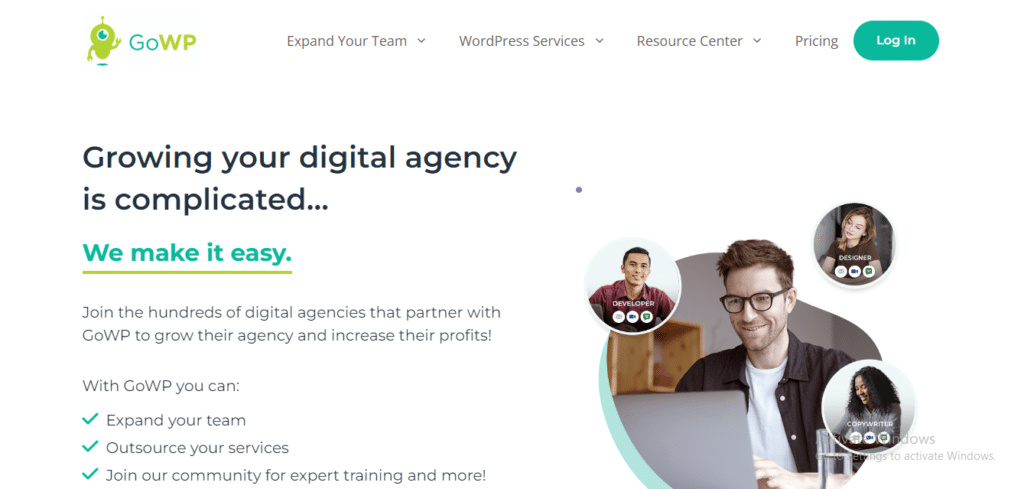
GoWP provides an end-to-end service that complements your team, offering more than basic maintenance. Their services are perfect for agencies and freelancers.
Regular Core and Plugin Updates: Ensure your site stays updated and secure.
Visual Validator: Check for negative impacts post-updates.
Daily Security Scans: Proactive measures to keep your site secure.
Off-site Backups: Protect your data with daily backups stored securely.
Client Dashboards: Easily track updates and maintenance activities.
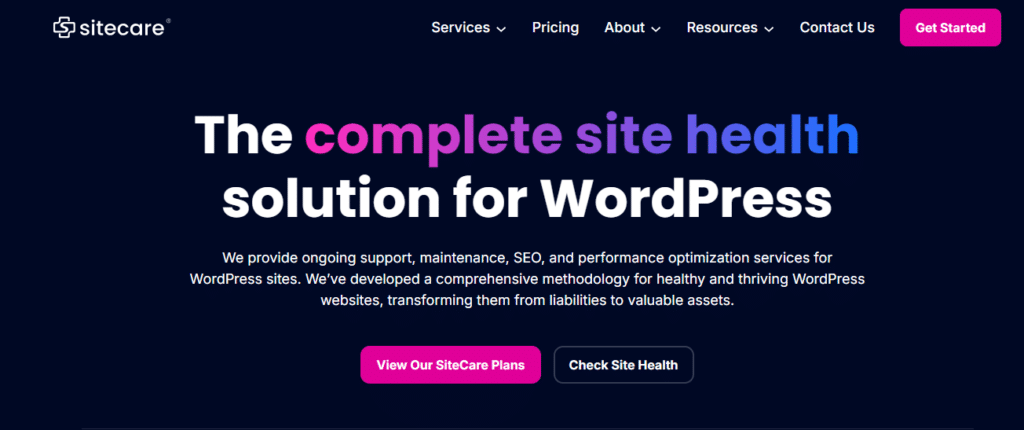
5. SiteCare
SiteCare offers a popular solution for WordPress site health, including free hack repairs and continuous monitoring. They ensure your site is always secure and updated.
Free Hack Repairs: Immediate support if your site gets hacked.
Unlimited Site Restoration: Restore your site to its previous state without hassle.
Uptime Monitoring: Stay informed about your site’s operational status.
SEO Improvements: Enhance your site’s visibility in search engines.
Content Edits: Professional editing services to keep your content fresh.
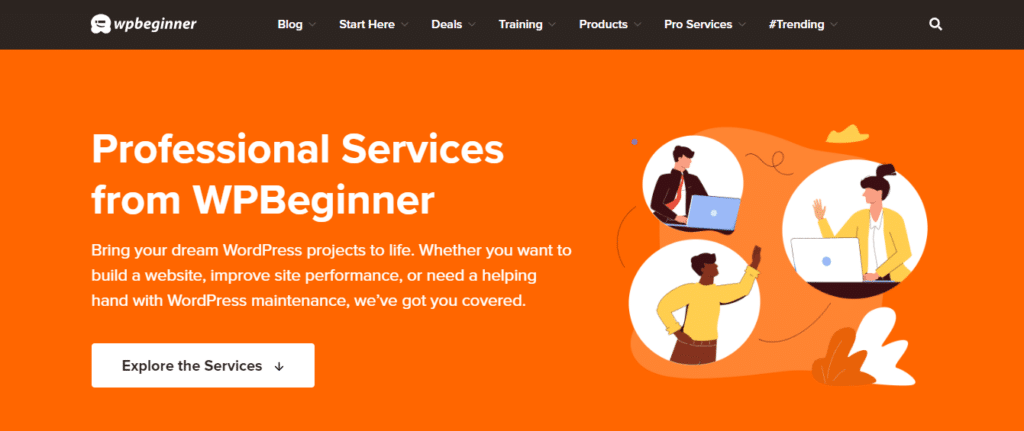
6. WPBeginner Pro
WPBeginner Pro offers affordable website maintenance tailored for WordPress users. With over 16 years of industry experience, their team handles all technical aspects, allowing you to focus on your business.
Sample WordPress Maintenance Package Structure (You Can Reuse This)
If you’re an agency or freelancer, here’s a simple way to structure your own offerings.
Package Snapshot
Plan Name
Target Client
Price Range (example)
Essential Care
Basic sites, low changes
$$39 / month
Growth Care
SMBs & active content sites
$$129 / month
Pro Care
Stores & membership sites
$$349+ / month
You can mirror the features outlined above, tailoring:
Backup frequency
Hours of edits
Response times
Security stack
Inclusion of WooCommerce/LMS support
Red Flags to Watch Out For
Avoid or question providers that:
Offer no clear backup policy or store backups on the same server only
Say they “update everything automatically” with no testing/rollback
Cannot explain how they handle a hack or severe outage
Bundle hosting and maintenance, but provide no performance or security details
Have no written scope—making it unclear what’s included vs extra
Conclusion
Choosing the right WordPress website maintenance package is crucial for ensuring your website runs smoothly and efficiently. With a variety of options available, it’s essential to consider the features and website maintenance costs that best meet your needs and budget.
Each package offers unique benefits, but WP Enchant stands out for its comprehensive services, including unlimited website edits, advanced security measures, and dedicated support. We encourage you to explore these options carefully and select a package that aligns with your goals. Investing in a quality maintenance plan like WP Enchant can significantly enhance your website’s performance and reliability.
FAQS
Do I really need a maintenance package if my site is small?
Yes, even small sites are targeted by automated bots. At a minimum, you need:
Regular updates
Security monitoring
Backups
A low‑cost Basic/Essential plan is usually enough for simple, low‑traffic sites—but doing nothing is risky.
Can I maintain my WordPress site myself instead?
You can, if you:
Log in weekly
Update plugins/themes carefully
Keep regular backups (and know how to restore)
Use at least a basic security plugin
Test after updates
A maintenance package is mainly about time, consistency, and expertise. If you’re too busy or not comfortable troubleshooting, a package is worth it.
What’s the difference between hosting and maintenance?
Hosting: Provides the server where your site lives (disk space, bandwidth, basic support).
Maintenance: Actively manages the software running on that server (WordPress core, themes, plugins), plus security, backups, and small fixes.
Managed WordPress hosting may include some maintenance-like features, but it rarely replaces a full maintenance package (especially for complex or e‑commerce sites).
How much should I expect to pay for a good WordPress maintenance plan?
WordPress maintenance costs typically range:
Basic: 20–20–80 per month
Standard: 80–80–250 per month
Advanced/e‑commerce: 250–250–1,500+ per month
The right budget depends on:
Your desire to outsource edits vs. do them yourself Revenue or leads your site generates Complexity (e‑commerce, membership, custom code)
What happens if my site gets hacked while on a maintenance plan?
With reputable providers:
They will clean the malware, restore from backups if needed, and harden security.
Good plans include this at no extra cost (especially Standard/Advanced tiers).
Before you sign up, ask specifically:
“If my site is hacked, is cleanup included?”
“What’s the typical turnaround time for malware removal?”
Get the answer in writing (proposal, email, or contract). Consider investing in WP Enchant to significantly enhance your website’s performance and reliability.
Anjalee Udawatta
Anjalee is a dedicated technical writer with experience crafting clear, insightful content on web development and WordPress. Working alongside a skilled team of WordPress experts, she brings readers accessible tutorials and guides to help them navigate the platform’s powerful capabilities. Her passion lies in simplifying complex topics, making them accessible for readers at all levels.
Gain exclusive access to our all-inclusive WordPress toolkit, crafted to keep your site running smoothly and securely. From maintenance to optimization, we’ve got it all covered so you can focus on growth!
Anjalee is a dedicated technical writer with experience crafting clear, insightful content on web development and WordPress. Working alongside a skilled team of WordPress experts, she brings readers accessible tutorials and guides to help them navigate the platform’s powerful capabilities. Her passion lies in simplifying complex topics, making them accessible for readers at all levels.
Gain exclusive access to our all-inclusive WordPress toolkit, crafted to keep your site running smoothly and securely. From maintenance to optimization, we’ve got it all covered so you can focus on growth!
Gain exclusive access to our all-inclusive WordPress toolkit, crafted to keep your site running smoothly and securely. From maintenance to optimization, we’ve got it all covered so you can focus on growth!
 Skip to content