Skip to content

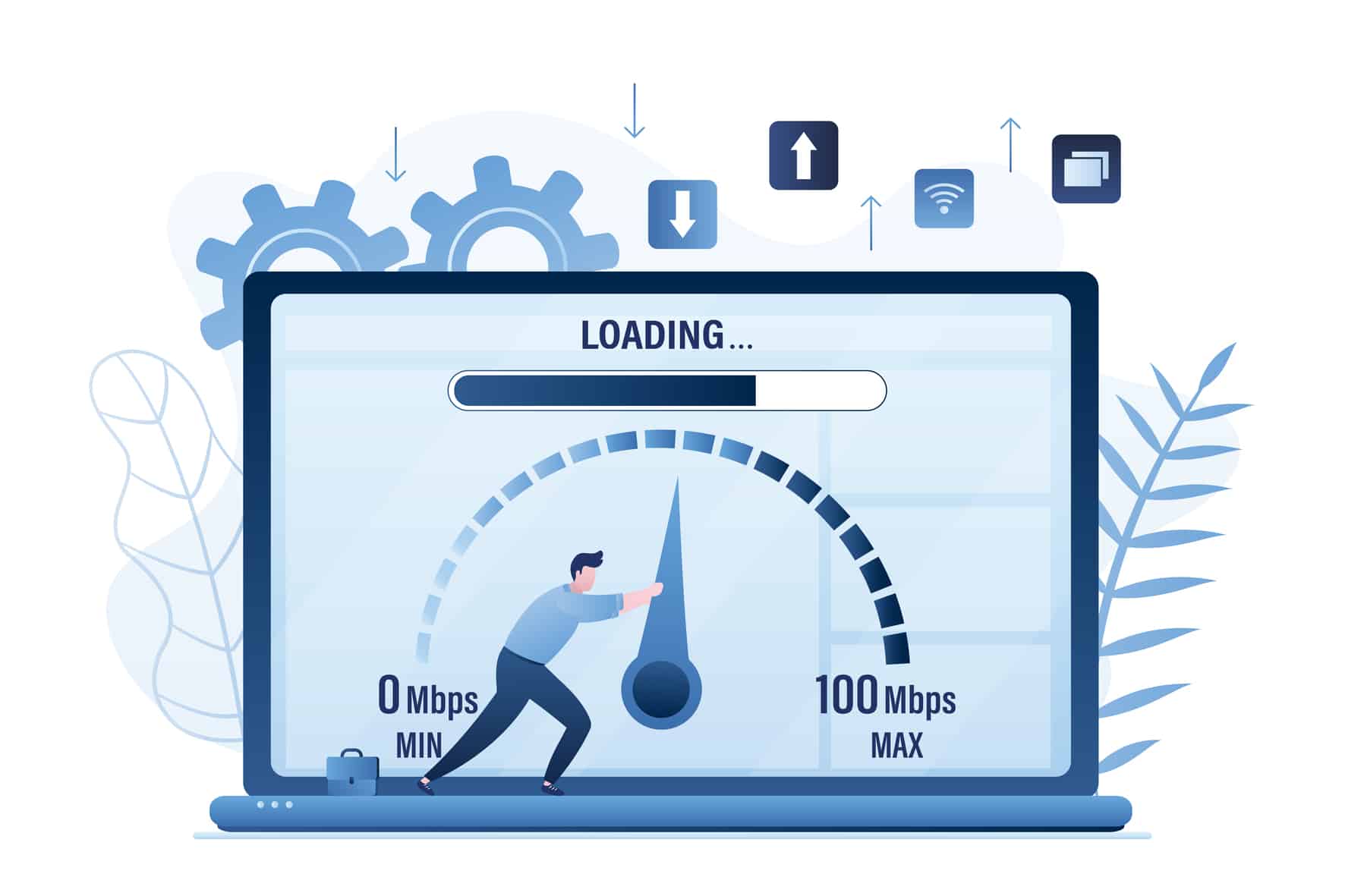
Working so hard to create a unique and attractive website, only to find out that no users have visited it. This doesn’t always mean that users never clicked your website. What if they had clicked the website and waited so long for your website to load, but ended up leaving? This is why you should learn how to reduce page load time.
A website that takes 4 seconds to load is already in trouble. Today’s users expect instant results—and when they don’t get them, they leave. Reducing your page load time to around 1.2 seconds isn’t just possible; it’s one of the most impactful improvements you can make for your website’s success.
This guide explains why slow sites fail and gives you proven, practical steps to dramatically speed up your website.
What Happens If Your Website Is Slow (Yes, People Hate It)
Slow websites frustrate users. Most visitors won’t wait, and they won’t come back.
When your site loads slowly:
- Visitors abandon your site before it finishes loading
- Bounce rates increase dramatically
- Conversions and sales drop
- Google ranks your site lower in search results
- Your brand looks unprofessional and unreliable
Research Gate studies show that users start losing patience after 2 seconds. At 4 seconds, many are already gone. Speed isn’t a luxury; it’s a requirement.
How to Reduce Page Load Time?
Improving site speed isn’t about one magic fix. It’s about making several smart optimizations that work together.
1. Optimize Images (One of the Biggest Wins)

Images are often the largest files on a webpage, and unoptimized images can slow your site dramatically. Images take a significant portion of the total size of the webpage, and so impact the time for a page to load.
Selecting the appropriate image format is the first step in optimizing images for the web. The most common formats are JPEG, PNG, and GIF. Each format has its strengths and weaknesses:
- Choose the right image format (eg, JPEG, PNG, and GIF)
- Use image compression tools to compress images without losing quality
- Enable lazy loading that delays the loading of non-visible images
- Decrease the number of HTTP requests and improve the page load time
Use tools like ShortPixel, tinypng, or smush to reduce page sizes significantly.
2. Use Caching Plugins
The server processes the request every time a user clicks the site and provides them with all the files that the user’s browser requested. This can be time-consuming, especially for servers that have large elements. To solve this issue, you could use WordPress caching, which will save a static version of the page instead of loading elements every time.
Benefits of using caching plugins,
- Faster Page Load Times
- Better SEO Rankings
- Improved User Experience
- Reduced Server Load
Caching Plugin Comparison
| Plugin Name | Ease of Use | Best For |
|---|---|---|
| WP Rocket | Very Easy | Beginners & businesses |
| W3 Total Cache | Advanced | Technical users |
| WP Super Cache | Easy | Simple caching needs |
These plugins create static HTML versions of your pages and serve them instantly to visitors.
Read our article on “The Ultimate Guide to the Best WordPress Caching Plugins” to find out the best plugins.
3. Reduce File Sizes of CSS, HTML, and JavaScript
Large code files slow down page rendering. Minifying and optimizing them can significantly reduce load times.
Optimization Techniques
- Minify CSS, HTML, and JavaScript
- Combine files where possible
- Remove unused CSS and scripts
- Defer non‑critical JavaScript
Many caching plugins include these features, or you can use performance plugins to handle them automatically.
4. Choose a Lightweight Theme

Did you know that a 1-second delay in page load time means a 7% drop in conversions? WordPress themes that come up with heavy scripts, animations, and unnecessary features can also contribute to slowing your site down.
But using a lightweight theme will allow your website to load faster and function smoothly. This will also reduce server requests, minimize the need for additional plugins, and enhance overall website efficiency.
What to look for in a fast theme?
- Minimal design
- Clean, optimized code
- No built‑in page builders, you don’t need
- Compatibility with caching and performance plugins
- Astra
- GeneratePress
- Kadence
A lightweight theme provides a strong foundation for reaching a 1.2‑second load time.
5. Reduce Server Response Time

Server response time (TTFB – Time to First Byte) plays a major role in overall performance.
How to reduce page load time by improving server response time?
- Choose high‑quality hosting
- Use PHP 8.0 or higher
- Enable server‑level caching
- Use a Content Delivery Network (CDN)
- Clean up your database regularly
Cheap or overcrowded hosting can hold back even the most optimized website.
Hosting Impact on Speed
| Hosting Type | Speed Impact | Recommendation |
|---|---|---|
| Shared Hosting | Slow | Avoid if possible |
| Managed WordPress | Fast | Highly recommended |
| VPS / Cloud | Very Fast | Best for high traffic |
Speed Optimization Checklist
- Compress and lazy‑load images
- Enable caching
- Minify CSS, HTML, and JavaScript
- Use a lightweight theme
- Improve server response time
When combined, these steps can realistically answer your how to reduce page load time question.
Frequently Asked Questions (FAQs)
How fast should my website load?
Ideally, your website should load in under 2 seconds. Around 1–1.5 seconds is considered excellent and provides a strong competitive advantage.
Do I need technical skills to speed up my site?
Not necessarily. Many WordPress plugins handle optimization automatically. However, advanced improvements like server tuning may require professional help.
Will faster speed really improve SEO?
Yes. Page speed is a confirmed Google ranking factor, and faster sites also improve user engagement and conversion rates.
Can plugins alone reduce load time from 4s to 1.2s?
Plugins help a lot, but the best results come from a combination of plugins, good hosting, optimized images, and clean themes.
Final Thoughts
A slow website drives users away, hurts SEO, and costs you money. The good news is that reducing your page load time from 4 seconds to 1.2 seconds is achievable with the right optimizations.
Focus on image optimization, caching, clean code, lightweight themes, and fast hosting. Together, these changes create a faster, smoother experience that users love—and that search engines reward.