When I launched my first blog over a decade ago, I did what most beginners do: I picked the platform that looked the easiest, clicked “Next” a few times, and started publishing. It felt great until traffic actually arrived. Pages loaded slowly. Plugins broke. A theme update crashed my layout the night before a big promotion.
That’s when I realized: the “best blogging platforms” aren’t the ones that are easiest on day one—it’s the ones that still work beautifully on day 1,000 when you’re handling real traffic, real SEO needs, and real growth.
If you’re thinking long-term—SEO, performance, and scalability into 2026 and beyond—this article will walk you through the platforms that matter, how they compare, and why WordPress still sits at the center of serious blogging.
What “Best” Really Means in 2026: SEO & Scalability Criteria
For 2026, you shouldn’t ask “Which platform is most popular?” but:
- Will this platform support advanced SEO?
- Will it stay fast as I publish 100s or 1,000s of posts?
- Can it handle traffic spikes without breaking?
- Will I be locked in, or can I migrate/export easily?
- Does it play nicely with AI, headless setups, and modern workflows?
Let’s define some core criteria:
- SEO Features
- Clean URLs, schema markup, meta tags
- Core Web Vitals readiness (speed, responsiveness, stability)
- Structured content (categories, tags, custom taxonomies)
- Support for SEO plugins or apps
- Performance & Scalability
- Caching options
- CDN compatibility
- Database handling for large content libraries
- Ability to scale horizontally (multi-server, headless, etc.)
- Flexibility & Ecosystem
- Themes and design control
- Plugins/integrations
- Developer tools and APIs
- Content Ownership & Portability
- Full data export
- Open ecosystem vs vendor lock-in
- Ease of Use
- Editor experience
- Learning curve
- Maintenance requirements
Best Blogging Platforms That Will Perform Well in 2026
Here are a few of the best blogging platforms worth considering for SEO and long-term growth:
- WordPress.com
- Ghost
- Webflow
- Wix
- Squarespace
- Medium
- Substack
- Headless CMS options (e.g., Strapi, Contentful) for advanced setups
We’ll focus primarily on platforms commonly used as the home base of a blog, then compare them.
What Matters Most for SEO & Scalability in 2026
Before we look at platforms, here’s what actually matters:
- Technical SEO: clean URLs, metadata, schema, sitemaps, Core Web Vitals, mobile-first design.
- Content management: categories/tags, custom taxonomies, internal linking, author pages.
- Scalability: can it handle higher traffic, content volume, and multi-author workflows?
- Performance: page speed, caching, image optimization, CDN compatibility.
- Security & reliability: reduced downtime, regular updates, and backups.
- Extensibility: plugins, themes, integrations (email, analytics, CRM, e‑commerce).
- Ownership: control over your data, domain, and design.
With those in mind, let’s look at the top platforms that will realistically perform well in 2026.
1. WordPress.com – Simpler, Hosted WordPress
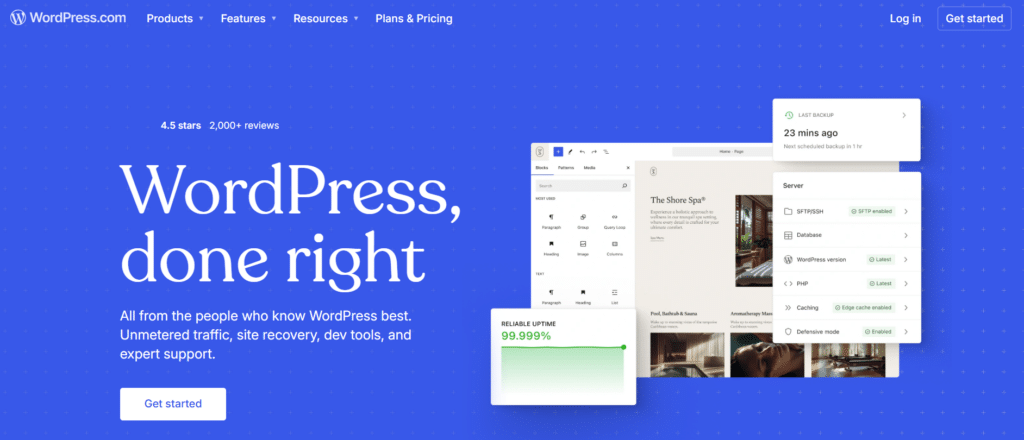
WordPress.com is the hosted version of WordPress. You get the WordPress experience without dealing directly with servers, but with some limits depending on the plan.
Why Choose WordPress.com?
- Less technical overhead than self-hosted
- Hosting, security, and basic performance are handled for you.
- No server configuration required.
- Decent SEO capabilities on higher plans
- Custom domains, basic SEO tools.
- Access to plugins and custom themes on Business and higher plans.
- Safe entry point into WordPress
- Easier for non-technical users who still want the WordPress ecosystem.
Best Fit
- Individuals or small businesses who:
- Want WordPress, but not server management.
- Don’t need heavy customization or advanced infrastructure (yet).
Pricing (Typical Public Plans)
| Plan | Approx. Price (Monthly, Billed Yearly) | SEO & Scalability Notes |
|---|---|---|
| Free | $0 | Limited customization; not ideal for serious SEO |
| Starter | ~$4–$9 | Custom domain, better branding |
| Explorer/Creator | ~$15–$25 | Better for growing blogs |
| Business | ~$25–$40 | Plugins & themes, more SEO control |
| Commerce | ~$45+ | For e‑commerce + blogging |
Bottom line: Good if you want a low-maintenance intro to WordPress. For maximum SEO flexibility and scaling, self-hosted WordPress.org still wins.
2. Ghost – Fast, Modern, and Focused on Publishing
Ghost is a modern publishing platform built on Node.js, designed for speed, newsletters, and memberships. It’s clean, minimal, and optimized for writing.
Why Choose Ghost?
- Strong performance out of the box
- Very fast by default—great Core Web Vitals potential.
- Clean, minimal frontend reduces bloat.
- Decent SEO features built in
- Metadata, canonical tags, structured data for posts, and AMP support (depending on theme).
- Good handling of sitemaps and RSS.
- Built-in memberships and newsletters
- Native tools for subscriptions and email distribution.
Best Fit
- Writers, independent publishers, and newsletters.
- Anyone who wants speed and simplicity with a modern stack.
- People are comfortable with fewer plugins and a more opinionated platform.
Pricing
Ghost is available as:
- Self-hosted Ghost (open source) – you manage hosting.
- Ghost(Pro) – fully hosted, managed service.
| Option | Approx. Price | Notes |
|---|---|---|
| Self-hosted | $60–$300+/year | Depends on VPS/hosting choice |
| Ghost(Pro) | ~$9–$199+/month | Varies by audience size & features |
Bottom line: Great for fast, lean content sites and newsletters. Less flexible than WordPress for complex SEO or custom integrations, but excellent performance.
3. Webflow – Design-First, SEO-Friendly Visual Builder
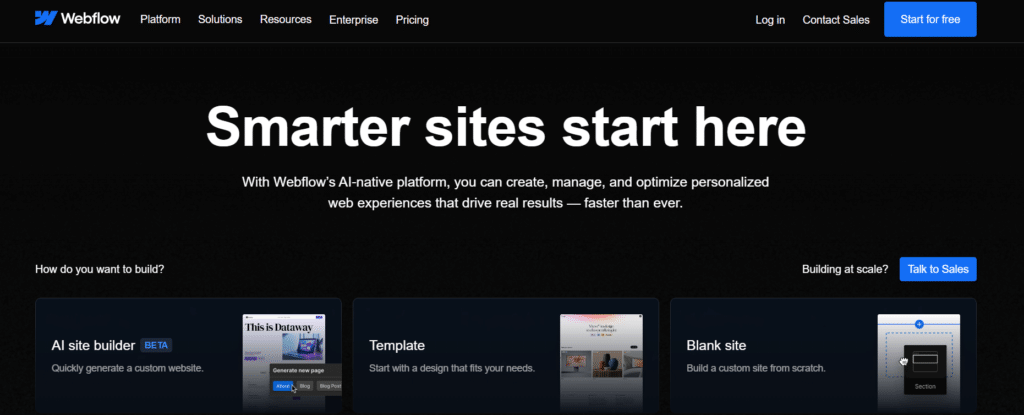
Webflow is one of the best blogging platforms. It is a visual website builder with a strong designer focus. It offers a CMS suitable for blogs and is known for producing clean markup compared to many drag-and-drop builders.
Why Choose Webflow?
- Design control without coding
- Pixel-precise control over layout and interactions.
- CMS collections for blog posts, categories, authors, etc.
- Solid SEO features
- Custom meta titles/descriptions, alt tags, and canonical tags.
- Clean HTML/CSS, good for performance when built well.
- Scalable for marketing sites
- Good for combining blogs with high-end landing pages and marketing pages.
Best Fit
- Brands and startups that:
- Care deeply about visual design.
- Want a tidy marketing site + blog under one system.
- Have a designer comfortable with a design-first workflow
Pricing (CMS/Blog-Relevant Plans)
| Plan | Approx. Price (Monthly, Yearly Billing) | Notes |
|---|---|---|
| CMS | ~$23–$29 | Suitable for blogs and small content sites |
| Business | ~$39–$49 | More traffic and form submissions |
| Enterprise | Custom | For high-traffic, enterprise needs |
Bottom line: Excellent when design is as critical as content. SEO tools are solid, but complex content structures or very large-scale blogs are often easier in WordPress.
4. Wix – Beginner-Friendly, Improving for SEO
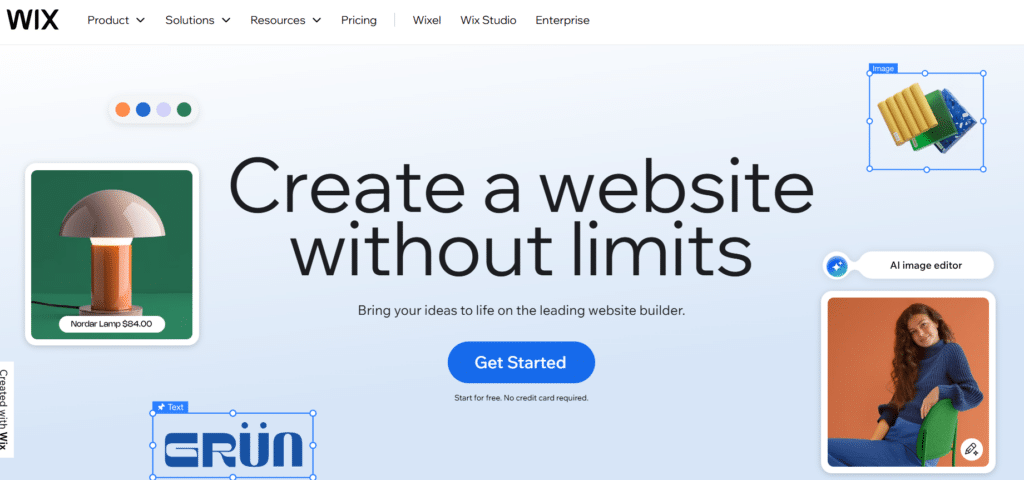
Wix has moved far beyond its “basic site builder” reputation. It now includes structured data options, improved technical SEO, and app integrations, though it’s still more beginner-oriented.
Why Choose Wix?
- Very easy to start
- Drag‑and‑drop builder, guided setup.
- Low technical barrier.
- SEO setup is guided
- Wix SEO Wiz helps beginners set the basics.
- Customizable meta tags and URLs.
- All-in-one convenience
- Hosting, backups, SSL, templates, apps.
Best Fit
- Small local businesses, personal brands, and portfolio sites.
- Users who value speed of setup over long-term flexibility.
Pricing
| Plan | Approx. Price (Monthly, Yearly Billing) | Notes |
|---|---|---|
| Light | ~$16 | Basic personal sites |
| Core | ~$27 | Small business / simple blogs |
| Business | ~$32+ | Higher limits, more features |
Bottom line: Good entry-level choice. SEO and scalability are “okay,” but not as flexible or future-proof as WordPress for serious content operations.
5. Squarespace – Polished, Visual, and Easy

Squarespace is known for its polished templates and easy setup. It’s popular with creatives and small businesses who want a cohesive, minimal design.
Why Choose Squarespace?
- Beautiful templates out of the box
- Especially strong for visual brands.
- Decent SEO features
- Custom meta tags, alt text, and basic URL structure control.
- Mobile-responsive templates.
- Simple all-in-one solution
- Hosting, security, and updates handled for you.
Best Fit
- Photographers, designers, restaurants, and local businesses.
- Bloggers who value aesthetics and simplicity over advanced SEO or custom architecture.
Pricing
| Plan | Approx. Price (Monthly, Yearly Billing) | Notes |
|---|---|---|
| Personal | ~$16 | Basic sites, limited integrations |
| Business | ~$23 | More advanced tools, basic commerce |
| Commerce (Basic) | ~$27+ | For shops with a blog component |
Bottom line: Excellent for simple, visual sites. Fine for basic SEO, but not the most flexible for large or complex content strategies.
6. Medium – Built-In Audience, Limited Control
Medium is more of a publishing network than a traditional blogging platform. You write within Medium’s ecosystem, often gaining access to a built-in audience.
Why Choose Medium?
- No setup overhead
- Just sign up and start publishing.
- Built-in distribution
- Chance to be surfaced via Medium’s algorithm and publications.
- Simple writing experience
- Focused editor for long-form content.
Best Fit
- Writers focused on audience and engagement over owning their platform.
- People are testing ideas quickly before investing in a full site.
Pricing
| Aspect | Details |
|---|---|
| Account | Free to write |
| Membership | ~$5+/month for readers |
| Monetization | Partner Program for eligible writers |
Bottom line: Great for exposure and testing ideas, but poor for long-term SEO control and platform ownership. Best used alongside your own primary blog, not instead of it.
7. Headless CMS (Contentful, Sanity, Strapi, etc.) – For Developers & Complex Needs
Headless CMS platforms separate content management from presentation. Your blog content is stored in a CMS and delivered via API to a front-end (e.g., Next.js, Gatsby, Nuxt).
Why Choose a Headless CMS?
- Maximum flexibility and scalability
- High performance with modern frameworks.
- Superb for custom experiences, multi-device delivery, and large teams.
- Strong technical SEO (if implemented well)
- You have full control over markup, performance, and architecture.
- Content reuse
- Use the same content across the web, mobile apps, and other channels.
Best Fit
- Teams with developers (or agency support).
- Large-scale content sites, SaaS companies, and enterprises.
- Complex multi-language, multi-region sites.
Pricing (Very Approximate)
| Platform | Pricing Model | Typical Range |
|---|---|---|
| Contentful | Tiered, usage-based | Free tier → $300+/month → Enterprise |
| Sanity | Usage-based | Generous free → $99+/month for teams |
| Strapi | Self-hosted (open source) or Cloud | Hosting costs or ~$29+/month for Cloud |
Bottom line: Amazing for scalability and performance with the right technical resources. Overkill for most solo bloggers.
Comparison: SEO & Scalability at a Glance
SEO Capabilities
| Platform | Technical SEO Control | Performance Potential | Plugins/Extensibility | Best SEO Use Case |
| WordPress | Good (higher plans) | Good | Limited vs self-hosted | Simpler WordPress-based SEO |
| Ghost | Good | Excellent | Limited | Fast blogs/newsletters |
| Webflow | Good | Good–Excellent | Limited vs WP | Design-heavy sites with solid SEO |
| Wix | Fair–Good | Good | App-based | Small sites, beginners |
| Squarespace | Fair–Good | Good | Limited customizations | Creative/visual sites |
| Medium | Low control | Good within Medium | N/A | Distribution, not long-term SEO |
| Headless CMS | Excellent (dev-based) | Excellent | High (dev required) | Complex, custom SEO implementations |
Scalability & Long-Term Growth
| Platform | Content Scalability | Traffic Scalability | Complexity as You Grow | Ownership & Portability |
| WordPress.com | Good | Good | Mostly handled by host | Limited vs self-hosted |
| Ghost | Good | Good–Excellent | Moderate | Good (especially self-hosted) |
| Webflow | Good | Good–Very Good | Design complexity | Good (export HTML/CSS) |
| Wix | Fair | Fair–Good | Can get restrictive | Limited portability |
| Squarespace | Fair | Fair–Good | Closed system | Limited portability |
| Medium | Low | Platform-dependent | Medium (ecosystem rules) | You don’t fully own the platform |
| Headless CMS | Excellent | Excellent | High (technical) | Very high (API-driven) |
Read to know Wix vs Squarespace vs WordPress: Ultimate Comparison 2026 in detail.
Why WordPress Still Stands Out as the Best Platform for SEO & Scalability
When you weigh:
- SEO flexibility
- Plugin ecosystem
- Ownership
- Scalability from a small blog to a content-heavy site
WordPress remains the most versatile and future-proof platform in 2026.
It’s not perfect: as your site grows, you’ll deal with plugin conflicts, performance tuning, backups, and security concerns. But other platforms typically trade off long-term flexibility to avoid those issues.
In other words:
- WordPress is the best platform for SEO and scalability.
- You just need a way to keep it running smoothly as you grow.
Where Growth Gets Hard: Keeping WordPress Fast, Secure, and Stable
As WordPress sites move from “small blog” to “serious property,” common issues show up:
- Speed problems:
- Too many plugins, heavy themes, and unoptimized images.
- Page speed drops → Core Web Vitals issues → potential SEO impact.
- Security & reliability:
- Outdated plugins and themes create vulnerabilities.
- Cheap hosting can mean downtime during traffic spikes.
- Maintenance overhead:
- Constant updates, backups, and performance tuning.
- Technical troubleshooting that pulls you away from writing and strategy.
These are solvable, but they require either continuous hands-on technical work—or a managed approach.
Managed WordPress Services & WP Enchant
Managed WordPress services exist specifically to handle the “keeping things running well” part: performance optimization, security hardening, updates, backups, and uptime monitoring.
WordPress is the platform. Managed WordPress services help keep that platform reliable as you scale.
In that context, WP Enchant is an example of a managed WordPress service focused on:
- Performance and Core Web Vitals
- Configuring caching layers, CDNs, and database optimization so that growing content libraries don’t slow the site down—important for SEO in 2026 and beyond.
- Security and stability
- Regular updates for WordPress core, themes, and plugins.
- Security hardening and monitoring to reduce the risk of exploits and downtime.
- Operational maintenance
- Backups, uptime monitoring, and technical issue handling allow you to focus more on content and strategy instead of system administration.
For blogs that start small and then gain traction—especially when search becomes a major traffic source—this type of managed WordPress approach helps keep WordPress performing at its best without forcing you into a different platform later.
Rule recap:
- WordPress is the platform you build on for SEO and scalability.
- A service like WP Enchant exists to keep that WordPress installation fast, secure, and stable as your blog and traffic grow.
FAQs: Choosing the Best Blogging Platforms for 2026
What if I’m a complete beginner—should I still choose WordPress?
If you’re serious about long-term blogging and SEO, starting with WordPress.org is usually worth the learning curve.
If that feels too intimidating:
Migrate to self-hosted WordPress when you’re ready to grow more aggressively.
Start with WordPress.com or Wix to get comfortable.
Can Webflow or Squarespace compete with WordPress for SEO?
They can perform well for many small- to medium-sized sites, especially when:
- You use clean templates.
- Optimize images and assets.
- Configure SEO settings properly.
However, for very large content libraries, complex architecture, or advanced SEO needs, WordPress still tends to be more flexible due to its plugin ecosystem and content management capabilities.
How important is hosting for SEO and scalability?
Very important. Even on WordPress:
- Slow or unstable hosting can drag down Core Web Vitals and user experience, which can indirectly affect SEO.
- Cheap shared hosting can struggle as traffic grows, causing timeouts or downtime.
High-quality hosting and/or managed WordPress services are key if you expect substantial growth.
When does a headless CMS make sense?
Consider a headless CMS if:
- You have a development team or agency.
- You need a custom front-end experience across multiple channels (web, apps, devices).
- You’re building a complex product with content as one piece of a larger system.
For a typical independent blogger or small business, it’s usually more complex than necessary.
How do I future-proof my blog choice for the next 3–5 years?
Choose a platform known for ownership, flexibility, and SEO control—usually WordPress.org.
Avoid locking yourself into platforms that don’t export content cleanly.
Invest early in:
Clean URL structures.
Logical categories and tags.
Good performance practices (caching, image optimization).
As your site grows, consider leveraging managed WordPress services to maintain speed, security, and uptime without having to rebuild on a new platform.
Conclusion: What to Pick in 2026
If you want:
- Maximum SEO potential
- Room to scale content and traffic
- Long-term ownership and flexibility
Then, self-hosted WordPress is still one of the best blogging platforms in 2026.
From there, your real choices are:
- How much control vs. convenience you want (WordPress.com, Webflow, Ghost, etc.).
- How you’ll handle the operational side—performance, security, and updates—as your blog grows.
Whatever you choose, think not just about how easy it is to publish your first post, but how well it will support your 500th post, your first traffic spike, and your long-term SEO goals.