Skip to content


You just hit publish on your WordPress post and… nothing. No traffic, low visibility, crickets. You spent hours crafting content, choosing images, and formatting everything perfectly, yet your website still struggles to appear in search results.
That’s where search engine optimization for WordPress comes in.
SEO is the process of improving your website so search engines like Google can better understand, index, and rank your content. When done correctly, SEO helps your website attract more organic traffic, generate leads, and build long-term visibility without relying entirely on paid advertising.
The good news? WordPress is already one of the most SEO-friendly platforms available. With the right optimizations, plugins, and content structure, you can dramatically improve your rankings and user experience.
In this complete guide, you’ll learn practical and beginner-friendly ways to optimize your WordPress website for search engines and readers alike.
1. Optimize Core On-Page SEO
On-page SEO refers to everything you can optimize directly on your website pages and posts. These improvements help both users and search engines understand your content more effectively.
Small adjustments can make a significant difference in rankings and click-through rates, especially when combined consistently across your site.
Refine Title Tags And Meta Descriptions
Your title tag is often the first thing users notice in search results. A compelling title encourages clicks, while a poorly written one gets ignored.
Include your primary keyword naturally within the title and keep it under 60 characters so it displays correctly in search results. Avoid keyword stuffing or robotic wording. Instead, focus on clarity and value.
Meta descriptions also play an important role. Although they are not a direct ranking factor, they influence click-through rates by summarizing your content.
Write concise meta descriptions under 160 characters that explain what users will gain from reading the article. Use action-oriented language and include your target keyword where it fits naturally.
For example:
- Weak title: “SEO Tips”
- Better title: “WordPress SEO Tips to Increase Organic Traffic”
The second version is more specific, useful, and searchable.
Use Clean URL Structures
URLs should be simple, readable, and easy to understand for both visitors and search engines.
Messy URLs filled with random numbers or unnecessary words can reduce trust and make pages harder to crawl. WordPress allows you to customize your permalink structure easily from the dashboard settings.
Follow these best practices:
- Remove unnecessary stop words
- Keep slugs short and descriptive
- Use hyphens instead of underscores
- Avoid adding dates or random numbers
- Include your main keyword naturally
For example:
- Poor URL:
example.com/post?id=7283 - Better URL:
example.com/wordpress-seo-guide
Shorter URLs are easier to share, remember, and rank.
Structure Content With Headers
Headers improve readability and help organize information logically. They also help search engines understand the hierarchy and relevance of your content.
Use H2 headings for main sections and H3 headings for supporting subtopics. If you need additional detail under a subsection, use H4 headings properly instead of skipping heading levels.
A clear structure makes articles easier to scan, especially for mobile readers.
Best practices include:
- Use keywords naturally in at least one heading
- Keep headers descriptive and clear
- Avoid overly long headings
- Maintain logical order: H2 → H3 → H4
Well-structured content increases engagement because readers can quickly locate the information they need.
Optimize Images
Images improve visual appeal and user engagement, but unoptimized images can slow down your website significantly.
Search engines cannot fully interpret images without additional context, which is why image optimization matters for SEO.
Start by compressing images before uploading them to WordPress. Large file sizes increase page load times and negatively impact rankings. You should also:
- Rename image files clearly
- Add keyword-rich alt text.
- Use responsive image dimensions
- Use next-gen image formats such as WebP for AVIFFor a deep dive into on-page tactics see our in-depth guide to on-page SEO in WordPress.
Alt text helps search engines understand image content while improving accessibility for visually impaired users. For example, instead of naming an image “IMG1234.jpg,” use “wordpress-seo-dashboard.jpg.” For a deep dive into on-page tactics, see our in-depth guide to on-page SEO in WordPress.
2. Improve User Experience
Search engines prioritize websites that provide excellent user experiences. Factors like speed, responsiveness, and security directly influence both rankings and visitor satisfaction.
A slow or frustrating website increases bounce rates and reduces conversions, no matter how good your content is.
Boost Page Speed
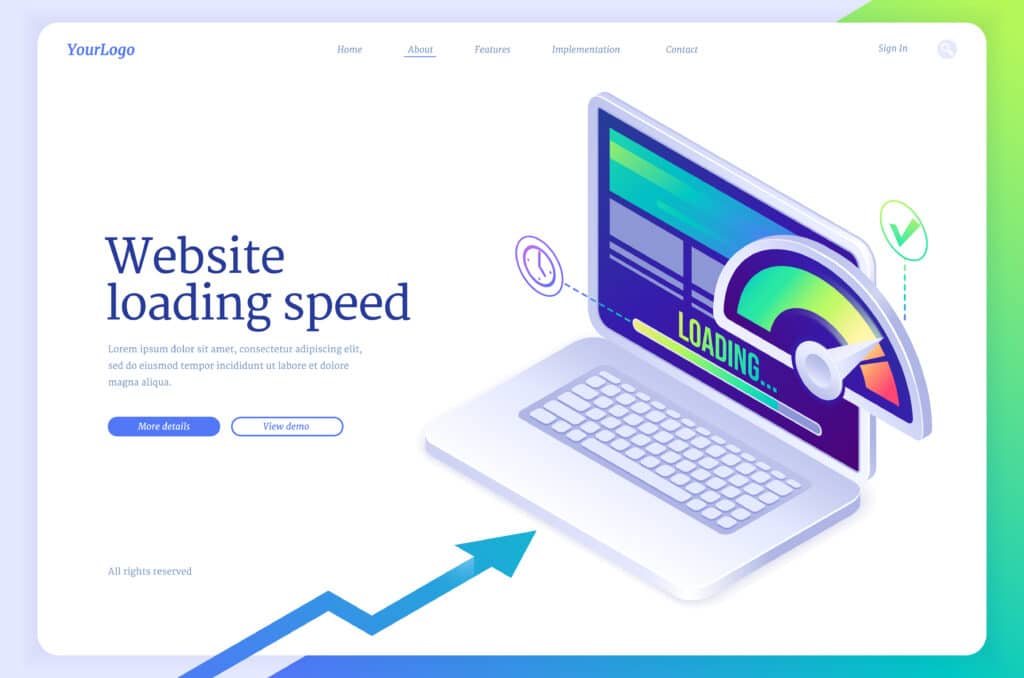
Page speed is a confirmed ranking factor, especially on mobile devices. Modern users expect websites to load almost instantly. Even a one-second delay can reduce engagement and conversions.
Aim for a loading time under two seconds by implementing the following improvements:
- Choose fast, reliable WordPress hosting
- Use caching plugins such as WP Rocket
- Minify CSS and JavaScript files
- Enable browser caching
- Use a content delivery network (CDN)
- Remove unused plugins and themes
- Enable lazy loading for images
Too many plugins can also slow down WordPress sites. Regularly audit installed plugins and delete anything unnecessary. Tools like Google PageSpeed Insights and GTmetrix can help identify performance bottlenecks and suggest improvements.
Ensure Mobile Responsiveness
Mobile traffic now accounts for more than half of global web usage, making responsive design essential for SEO success. Your website should adapt smoothly across smartphones, tablets, and desktop devices without layout issues. Choose a responsive WordPress theme and test your pages on multiple screen sizes regularly.
Focus on:
- Readable font sizes
- Proper spacing
- Fast mobile loading
- Easy navigation menus
- Touch-friendly buttons
Avoid intrusive pop-ups that block content on smaller screens, as they can hurt both rankings and user experience. Use tools like Google’s Mobile-Friendly Test or PageSpeed Insights to identify problems and improve usability.
Secure With SSL
Security plays an important role in building trust with both users and search engines. Installing an SSL certificate changes your website from HTTP to HTTPS, encrypting data between users and your server. Most modern hosting providers offer free SSL certificates, making implementation straightforward.
After enabling SSL:
- Redirect all HTTP pages to HTTPS
- Update internal links
- Check for mixed content errors
- Verify the HTTPS version in Google Search Console
Secure websites appear more trustworthy and may experience improved engagement and conversion rates.
Learn why SSL matters for SEO.
3. Leverage Technical Tools
Technical SEO helps search engines crawl, index, and understand your website more effectively. Even great content can struggle to rank if technical issues prevent proper indexing.
Generate XML Sitemaps
XML sitemaps act like roadmaps for search engines by listing the important pages on your website. They help Google discover new content faster and ensure your pages are indexed properly. Most SEO plugins automatically generate XML sitemaps for WordPress websites.
After generating your sitemap:
- Submit it to Google Search Console
- Monitor indexing issues
- Remove unnecessary pages from the sitemap
- Update it automatically when publishing new content
A clean sitemap improves crawl efficiency and helps search engines prioritize valuable pages. Understand the importance of an XML sitemap in our guide.
Add Schema Markup
Schema markup helps search engines understand your content type and display enhanced search results called rich snippets.
Rich snippets may include:
- Star ratings
- FAQs
- Product prices
- Event details
- Recipe information
These enhanced listings improve visibility and often increase click-through rates.
- Identify which schema types fit your content (e.g., Article, Product, FAQ, LocalBusiness).
- Use plugins like Yoast SEO, Rank Math to add schema without coding.
- Test with Google’s Rich Results tool.
- Update structured data when content changes, like pricing, availability, or event dates.
For step-by-step instructions check our guide on how to add schema markup in WordPress.
Connect Google Analytics
SEO without analytics is mostly guesswork.
Google Analytics 4 helps you understand how visitors interact with your website, which pages perform best, and where traffic originates.
Install Google Analytics and monitor metrics such as:
- Organic traffic growth
- Bounce rate
- Average engagement time
- Conversion rates
- Top-performing pages
Analytics data helps identify opportunities for optimization and content expansion.
For example, if a blog post receives high traffic but low engagement, you may need to improve readability, calls-to-action, or internal linking.
4. Strengthen Link Authority
Backlinks remain one of Google’s strongest ranking signals. When reputable websites link to your content, search engines view your site as more trustworthy and authoritative. However, quality matters far more than quantity.
Build Quality Backlinks
Strong backlinks come from reputable websites within your niche or industry. Focus on earning links naturally through valuable content and outreach strategies.
Effective methods include:
- Target backlinks from websites in your niche or industry to improve authority.
- Seek links from sites with high domain authority (DA) and trustworthiness.
- Reach out to bloggers, journalists, or industry sites for guest posts or mentions.
- Regularly check your backlink profile using tools like Ahrefs or Google Search Console.
Discover why link building matters for SEO.
Clean Toxic Links
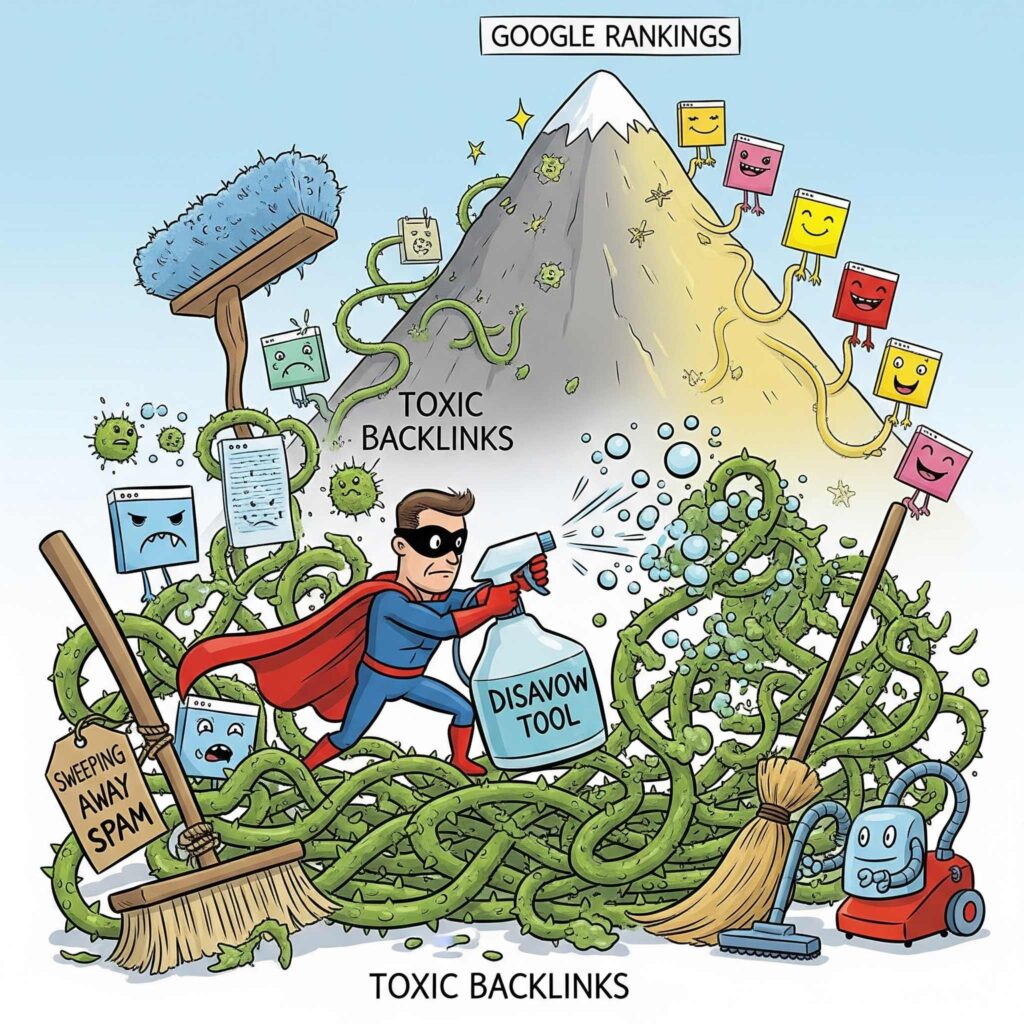
Not every backlink helps your website. Spammy or manipulative links can damage rankings and trigger penalties.
Conduct backlink audits regularly to identify harmful links pointing to your domain.
Common toxic backlinks include:
- Spam directories
- Irrelevant foreign websites
- Automated link farms
- Suspicious gambling or adult sites
If harmful links appear:
- Contact webmasters requesting removal
- Document removal attempts
- Use Google’s Disavow Tool if necessary
Quarterly backlink audits help maintain a healthy link profile and prevent long-term SEO damage.
Learn how to remove harmful links.
Maintain Content Freshness
Fresh, updated content tends to perform better in search results over time.
Search engines prefer websites that maintain accurate and relevant information.
Review older articles regularly and update:
- Statistics
- Screenshots
- Examples
- Internal links
- Outdated recommendations
You can also republish refreshed content with an updated date to signal relevance.
Even small updates can revive declining pages and improve rankings without creating entirely new content.
5. Choose Plugins And Themes
Your WordPress tools and design choices directly influence performance, usability, and SEO potential. Choosing lightweight, well-supported plugins and themes creates a stronger technical foundation.
Select Top SEO Plugins
| Plugin | Installs | Key Feature |
|---|---|---|
| Yoast SEO | 10M+ | Traffic light system for content |
| Rank Math | 3M+ | Rich snippet support |
| All in One SEO | 3M+ | WooCommerce optimization |
| SEO Framework | 200K+ | Automated SEO without ads |
| Broken Link Checker | 600K+ | Monitors and fixes broken links |
For a full list of recommendations see our roundup of the best SEO plugins for WordPress.
Pick An SEO-Friendly Theme
A poorly coded theme can slow down your website and create technical SEO problems.
Choose themes that are lightweight, responsive, and built with clean HTML structure.
Popular SEO-friendly WordPress themes include:
- Astra
- Divi
- Genesis Framework
- GrowthPress
- NavigationPro
A good theme should support fast loading speeds, accessibility standards, schema markup, and mobile responsiveness out of the box.
Before installing a theme, test its performance and check update frequency, reviews, and compatibility with SEO plugins.
Conclusion
Optimizing your WordPress website for search engines does not require advanced technical skills, but it does require consistency and attention to detail.
Let’s recap:
- Optimize title tags, URLs, headers, and images
- Improve speed, mobile responsiveness, and security
- Use sitemaps, schema markup, and analytics
- Build quality backlinks and remove toxic links
- Choose SEO-friendly plugins and themes
- Keep content updated and relevant
SEO is not a one-time task. It’s an ongoing process of improving user experience, publishing valuable content, and adapting to search engine changes. Start with one improvement today, whether it’s optimizing a title tag, compressing images, or installing an SEO plugin. Small changes compound over time and can lead to substantial increases in organic traffic.
If you found this guide helpful, share it with others and leave your questions or SEO wins in the comments below.
Frequently Asked Questions
How long does WordPress SEO take to show results?
SEO improvements usually take several weeks or months before significant ranking changes appear. Search engines need time to crawl, index, and evaluate your updates. Consistent optimization, content publishing, and backlink building gradually improve visibility and organic traffic over time.
Do I need an SEO plugin for WordPress?
While WordPress includes some built-in SEO features, plugins simplify optimization tasks significantly. SEO plugins help manage metadata, schema markup, XML sitemaps, redirects, and readability checks. They also reduce technical errors and make ongoing optimization easier for beginners and professionals alike.
What is the best free SEO plugin for WordPress?
Yoast SEO and Rank Math are among the most popular free SEO plugins for WordPress users. Both offer features like XML sitemap generation, metadata editing, schema support, and content analysis. The best choice depends on your workflow preferences and required customization options.
Why is my WordPress site not ranking on Google?
Poor rankings can result from slow loading speeds, weak content quality, missing backlinks, technical errors, poor keyword targeting, or indexing issues. Check Google Search Console for errors, improve on-page SEO, optimize performance, and consistently publish valuable content to improve visibility gradually.